
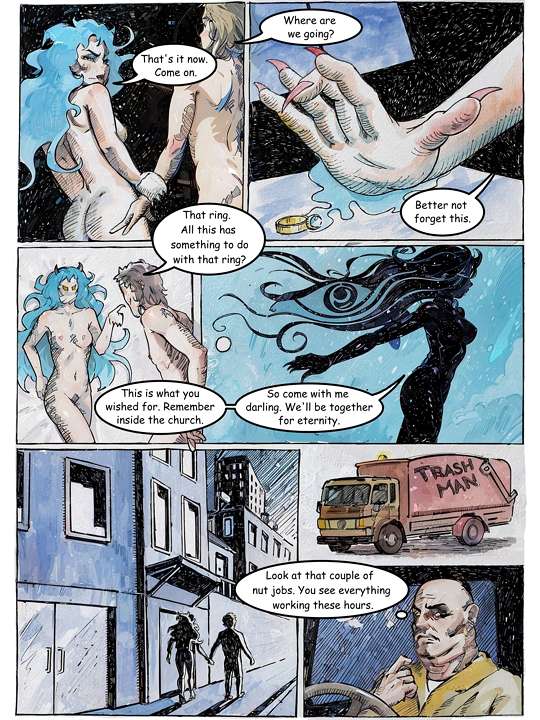
In this, the third issue of The Globalist, featuring: Zombie Killer Babe, Handsome George serial part 3, Succubii serial final, and Enola A Dark Sun part 2. An eclectic mix of stories with a slightly adult narrative.
Included in the purchase:
A zip folder containing:
– an .epub formatted ebook with flowable text that may be read by the computer for the visually impaired.
– A cover image
– info text
Once you have extracted the epub from the zip file move it into your library folder.
.epub (Electronic Publication)
This file format is primarily used for storing eBooks, digital magazines and manuals. It allows for reflow of text to fit screens of various sizes
from smartphones to tablets and computers without affecting readability or formatting.
This file format can be read on a pre-installed Apple Books app, Google Play Books or Calibre.
For use on Amazon tablet and Kindle devices:
Method 1: Send to Kindle Web (Easiest)
– Go to the Amazon Send to Kindle webpage.
– Sign in with your Amazon account.
– Drag and drop your EPUB file into the upload box.
– Click Upload to sync it to your devices. (You may need to wait a few minutes while it processes.)
Method 2: Send via Email
– Find your unique Kindle email address in your device settings under Settings > Your Account > Send-to-Kindle Email.
– Approved your personal email address in your Amazon account under Content and Devices > Preferences > Approved Personal Document E-mail List.
– Attach the EPUB file to a blank email.
– Send the email to your Kindle address.
Method 3: Use the Kindle App
– Download the free Kindle app on your phone or tablet.
– Open the EPUB file on your mobile device.
– Share the file and select the Kindle app as the destination.
– Tap Send to add it to your library.